You spent hours writing a great blog post. Then you hit Publish, and it sits on page five of Google. In most cases, the problem is not the writing. It is a handful of small SEO steps that got skipped.
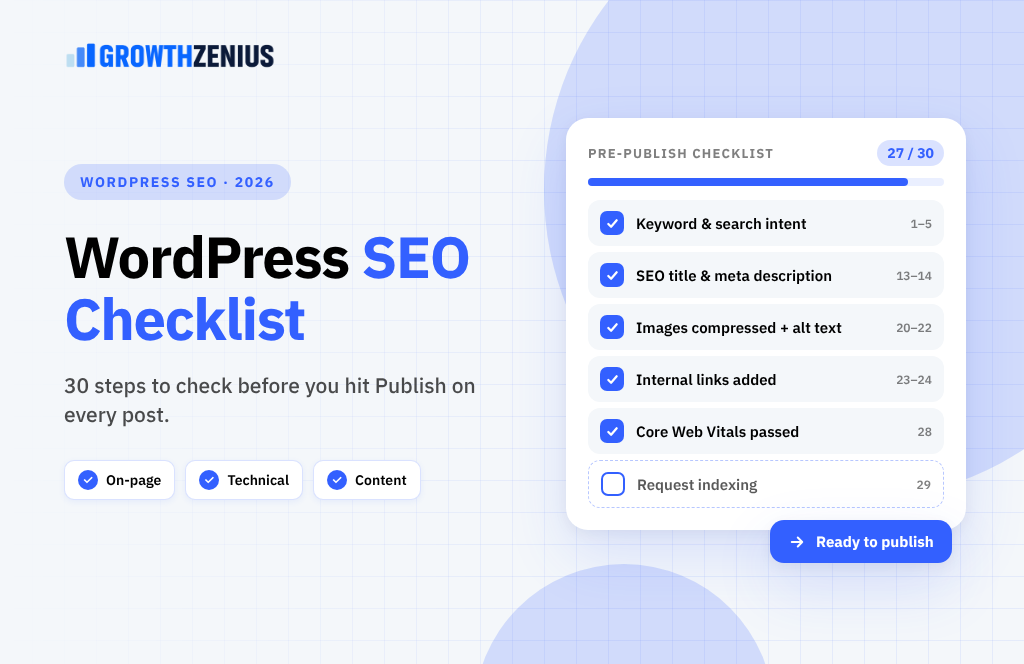
This checklist covers the 30 things to check on every WordPress post before it goes live. It works with any SEO plugin, including Rank Math, Yoast SEO and SEOPress. Bookmark it and run through it each time you publish.
The Checklist at a Glance
| Stage | Steps | What it covers |
|---|---|---|
| Plan | 1–5 | Keyword, search intent and competitor research |
| Write | 6–12 | Structure, quality, E-E-A-T and AI-friendly answers |
| On-page SEO | 13–19 | Title, meta description, URL and headings |
| Images & media | 20–22 | File size, format and alt text |
| Links | 23–25 | Internal and external links |
| Technical | 26–28 | Schema, mobile and speed |
| After publishing | 29–30 | Indexing and promotion |
Plan: Before You Write (Steps 1–5)
1. Choose one main keyword
Every post should target one primary keyword or topic. Pick something your customers actually search for, with realistic competition for your site. Free tools like Google Keyword Planner, or paid tools like Ahrefs and Semrush, show search volume and difficulty.
2. Match the search intent
Google the keyword and look at the top 10 results. Are they how-to guides, product pages, lists or comparisons? Your post should match that format. If every result is a step-by-step guide, a sales page will not rank.
3. Find related keywords and questions
Look at the “People also ask” box and the related searches at the bottom of the results page. Answer those questions in your post. This helps you rank for many related searches, not just one.
4. Study the top-ranking pages
Note what the top pages cover, how long they are and what they miss. Your goal is not to copy them. It is to cover the topic more clearly and add something they do not have.
5. Check you are not competing with yourself
Search your own site for the keyword (type site:yourdomain.com keyword into Google). If you already have a post on the same topic, update that one instead of writing a new one. Two similar posts can split your rankings.
Write: Content Quality (Steps 6–12)
6. Answer the question in the first paragraph
Readers and AI tools like Google’s AI Overviews both look for a fast, clear answer. Give the main answer in the first two or three sentences, then explain the details.
7. Use one H1 and a clear heading structure
In WordPress, the post title is your H1. Inside the post, use H2 for main sections and H3 for sub-points. Never skip levels just to get a bigger font. Headings help readers scan and help search engines understand your content.
8. Write short, scannable paragraphs
Keep paragraphs to two to four sentences. Use bullet points, numbered lists and tables where they make information easier to read. Most visitors scan before they read.
9. Show real experience and expertise
Google’s quality guidelines reward content that shows experience, expertise, authoritativeness and trust (E-E-A-T). Add your own examples, results, screenshots and lessons learned. Generic content that could be written by anyone rarely ranks well.
10. Edit AI-assisted drafts by hand
If you use AI tools to draft, a human must fact-check, add original insight and edit for voice. Google’s concern is content made mainly to manipulate rankings, not the tool you used. Thin, unedited AI text adds no value and will not compete.
11. Add an author bio
Show who wrote the post and why they are qualified. Link the author name to an author page with a short bio and social profiles. This builds trust with readers and supports E-E-A-T.
12. Proofread everything
Check spelling, grammar, facts and numbers. Read the post out loud once. Small mistakes hurt trust, especially on business websites.
On-Page SEO (Steps 13–19)
13. Write a compelling SEO title
This is the blue link people see in Google. Include your main keyword near the start and keep it to roughly 50–60 characters so it does not get cut off. Make it clear and click-worthy, not stuffed with keywords.
14. Write a meta description that earns the click
Set it in your SEO plugin. Aim for around 140–160 characters, include the keyword naturally, and tell readers what they will get. Google may rewrite it, but a good one still improves your click-through rate.
15. Create a short, clean URL slug
WordPress often creates long slugs from your title. Shorten it to the main keyword, for example /wordpress-seo-checklist/. Use hyphens, lowercase letters and no dates or stop words. Avoid changing the slug after publishing.
16. Use the keyword in the first 100 words
Mention your main keyword or a close variation early in the post. It confirms the topic to both readers and search engines.
17. Use keywords naturally in headings
Include the main keyword or related phrases in some of your H2s, where it reads naturally. Do not force it into every heading.
18. Avoid keyword stuffing
Write for people first. Repeating the same phrase over and over makes your content hard to read and can be seen as spam. Use synonyms and related terms instead.
19. Set a category and a few relevant tags
Put the post in one main category. Use tags sparingly, and only if your theme makes good use of them. Too many tag pages create thin, duplicate content.
Images and Media (Steps 20–22)
20. Compress and resize images
Large images are one of the biggest causes of slow WordPress sites. Resize images to the width they will display at, and compress them with a plugin such as ShortPixel, Imagify or Smush, or with your host’s built-in tool.
21. Use modern image formats
Serve WebP or AVIF images where possible. They are much smaller than JPG or PNG files at similar quality. WordPress supports both formats.
22. Write descriptive file names and alt text
Rename files before uploading: wordpress-seo-checklist.webp, not IMG_4821.jpg. Add alt text that describes the image for people using screen readers. Include a keyword only where it fits naturally.
Links (Steps 23–25)
23. Add internal links to related posts
Link to two to five other relevant pages on your site using descriptive anchor text, not “click here”. Internal links help Google find your content and keep readers on your site longer.
24. Link to new posts from older ones
This step is often forgotten. Go back to two or three older, related posts and add a link to your new one. It helps Google discover and rank the new page faster.
25. Link to trusted external sources
When you cite data or facts, link to the original source. Set external links to open in a new tab if you prefer, and check every link works.
Technical SEO (Steps 26–28)
26. Add the right schema markup
Your SEO plugin adds Article schema by default. Add FAQ, HowTo or Product schema where it fits the content. Test your page with Google’s Rich Results Test.
27. Check how it looks on mobile
Preview the post on a phone before publishing. Check that text is readable, tables scroll, buttons are easy to tap and nothing overflows the screen.
28. Test page speed and Core Web Vitals
Run the URL through PageSpeed Insights. Aim for the 2026 targets: LCP under 2.5 seconds, INP under 200 milliseconds and CLS under 0.1. Heavy plugins, page builders and third-party scripts are the usual causes of slow scores.
After Publishing (Steps 29–30)
29. Request indexing in Google Search Console
Paste the new URL into the URL Inspection tool and click “Request indexing”. Also confirm your XML sitemap (created by your SEO plugin) is submitted in Search Console.
30. Promote, track and update
Share the post on social media, in your newsletter and with anyone you mentioned. After four to eight weeks, check Search Console to see which searches it appears for. Update the post with new sections for those queries, and refresh it at least once a year.
Printable Pre-Publish Checklist
Copy this short version into your editorial workflow:
- ✅ One main keyword chosen and search intent matched
- ✅ Related questions answered
- ✅ No other post on the site targets the same keyword
- ✅ Direct answer in the first paragraph
- ✅ Clear H2/H3 structure, short paragraphs
- ✅ Real examples, experience and an author bio
- ✅ Proofread and fact-checked
- ✅ SEO title (~50–60 characters) and meta description (~140–160 characters)
- ✅ Short, clean URL slug
- ✅ Images compressed, WebP/AVIF, alt text added
- ✅ 2–5 internal links added, plus links from older posts
- ✅ External sources linked and working
- ✅ Schema added and tested
- ✅ Mobile preview checked
- ✅ PageSpeed and Core Web Vitals checked
- ✅ Indexing requested in Search Console
- ✅ Post shared and a review date set
Frequently Asked Questions
Which SEO plugin is best for WordPress?
Rank Math, Yoast SEO and SEOPress all handle the essentials: titles, meta descriptions, sitemaps and schema. Pick one and use only one. Running two SEO plugins at the same time causes conflicts.
Do I need to get a green score in my SEO plugin?
No. Plugin scores are helpful reminders, not ranking factors. A post written for readers with an orange score often outranks a keyword-stuffed post with a green score.
How long should a blog post be for SEO?
There is no ideal word count. Make the post as long as it needs to be to fully answer the question better than the pages already ranking. For some topics that is 800 words; for others it is 3,000.
How long does it take for a new post to rank?
Google can index a post within days, but ranking well usually takes weeks to months. It depends on your site’s authority, competition for the keyword and the quality of the post.
Should I update old blog posts?
Yes. Refreshing older posts with new information, better structure and fresh internal links is often one of the fastest ways to grow traffic.
Publish With Confidence
SEO is not one big trick. It is many small steps done consistently. Run through these 30 steps on every post and you will publish content that is easier to find, easier to read and more likely to bring in customers.
Want an expert to handle it for you? Growth Zenius builds fast WordPress websites and runs SEO for small businesses. Book a free WordPress SEO audit and we’ll show you which fixes will make the biggest difference to your traffic.