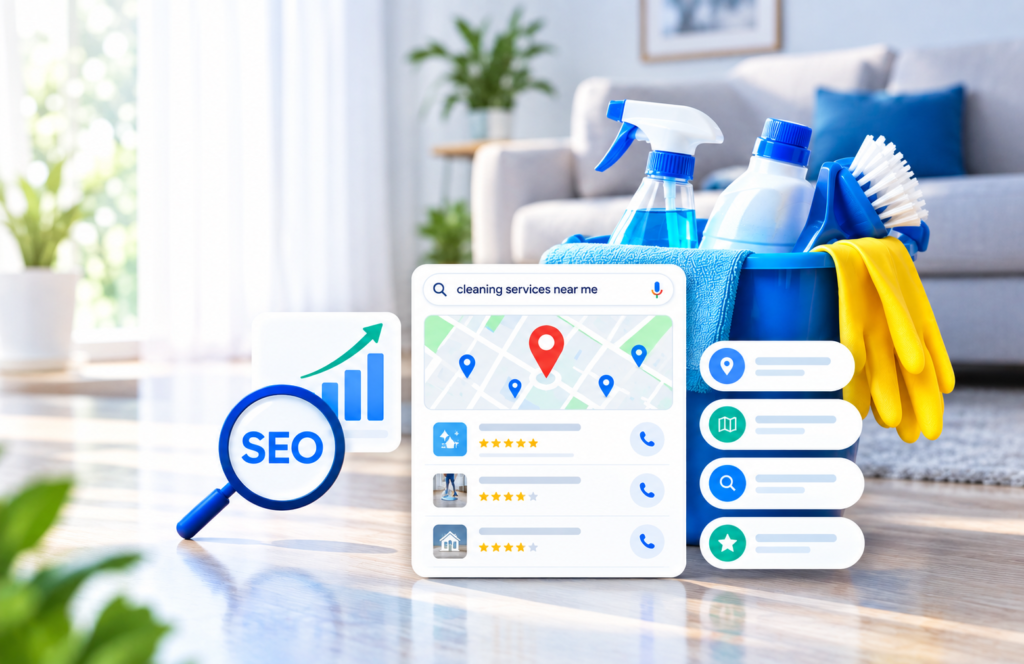
When someone searches “plumber near me” or “best dentist in [city]”, Google shows a map with three businesses at the top. Those three get most of the calls. Local SEO is how you earn one of those spots.
For small businesses, this is the most valuable search traffic there is. The person searching is nearby, has a need, and is often ready to buy today. You are not competing with national brands. You are competing with the five or ten businesses down the street.
The search landscape has changed a lot in 2026. AI answers now sit on top of many results, and broad organic traffic is harder to win. Local search has held up much better. Whitespark’s 2026 Local Search Ranking Factors report notes that local search has stayed somewhat insulated from the AI upheaval.
This guide walks you through nine practical steps. You can do most of them yourself in a few weeks.
What Is Local SEO and How Does Google Rank Local Businesses?
Local SEO is the work of making your business show up when people nearby search for what you sell. It covers two places: the map results (the “Local Pack” and Google Maps) and the regular organic results below them.
Google has said publicly that local results are based mainly on three factors (Google Business Profile Help):
| Factor | What it means | Can you control it? |
|---|---|---|
| Relevance | How well your profile matches what the person searched for | Yes: complete, accurate business details |
| Distance | How far your business is from the searcher | Mostly no |
| Prominence | How well known your business is, online and offline | Yes: reviews, links, mentions, website strength |
Google also confirms that review count and review score affect local ranking. And there is no way to pay Google for a better local position. Ads are separate.
Since you cannot move your shop closer to every customer, your job is to win on relevance and prominence. Every step below does one or both.
Step 1: Claim and Fully Optimize Your Google Business Profile
Your Google Business Profile (GBP) is the single most important local SEO asset you have. It is what shows up in the map pack. Google says an inaccurate profile may not appear for relevant searches in your area.
Do this first:
- Claim and verify your profile at business.google.com. An unverified profile will not rank well.
- Pick the right primary category. This is one of the strongest relevance signals. Choose the most specific option (“Emergency Plumber” beats “Contractor”). Add a few accurate secondary categories.
- Use your real business name. Do not stuff keywords or city names into it. Google can suspend profiles for this.
- Fill in every field: address or service area, phone, website, hours, holiday hours, services, products, attributes and business description.
- Add real photos. Upload your storefront, team, work and products. Add new ones every month.
- Post updates. Share offers, events and news through Google Posts every week or two.
- Answer questions in the Q&A section, and seed common questions yourself.
One profile per real location. Duplicate or fake listings can get you suspended. If you serve customers at their home and have no storefront, set yourself up as a service-area business and hide your address.
Step 2: Make Your NAP Consistent and Build Local Citations
NAP stands for Name, Address and Phone number. It should be exactly the same everywhere your business appears online. Google cross-checks these details. Mismatches create doubt about which information is correct.
A citation is any online mention of your NAP: directories, social profiles, industry sites and local chambers of commerce.
How to do it:
- Write down your official NAP once, in one format. For example, decide between “Suite 4” and “#4” and stick to it.
- Update your website, Google, Facebook, Apple Maps (Apple Business Connect) and Bing Places first.
- Add your business to the main directories in your country, such as Yelp, Yellow Pages and BBB in the US.
- Add niche directories for your industry (for example, Avvo for lawyers or Healthgrades for doctors).
- Search for your old phone number and old addresses, then fix or remove outdated listings.
Quality beats quantity. Twenty accurate, relevant citations do more than 200 low-quality directory listings.
Step 3: Get More Reviews, and Reply to All of Them
Reviews help you rank and help you win the click. BrightLocal’s 2026 survey of 1,002 US adults found that 97% of consumers read reviews for local businesses. The bar is also rising:
- 41% now always read reviews when choosing a business, up from 29% in 2025.
- 31% will only use a business rated 4.5 stars or higher, up from 17%.
- Consumers now expect more recent reviews than before. A profile with old reviews looks inactive.
How to get more reviews:
- Ask every happy customer, at the moment they are happiest (right after the job is done).
- Make it easy. Send a direct review link by SMS or email, or print a QR code on receipts and invoices.
- Build the ask into your process so it happens every time, not only when you remember.
- Aim for a steady flow each month rather than a big burst. Recency matters.
How to reply:
- Reply to every review, good and bad, within a few days.
- Write a real, personal reply. Copy-paste responses look lazy and customers notice.
- For negative reviews, stay calm, apologize where fair, and take the details offline.
Never buy reviews, write fake ones, or offer discounts in exchange for positive reviews. It breaks Google’s policies and can get reviews removed or your profile suspended.
Step 4: Optimize Your Website for Local Searches
Your website supports both relevance and prominence. Google reads it to confirm what you do and where you do it.
On every key page:
- Put your main service and city in the title tag, e.g. “Emergency Plumber in Austin, TX | [Business Name]”.
- Use one clear H1 that says what you do and where.
- Show your full NAP in the footer, matching your Google profile exactly.
- Embed a Google Map on your contact page.
- Add click-to-call phone numbers for mobile visitors.
Create one page per service. A single “Services” page cannot rank for ten different searches. Give each main service its own page with real detail, prices or price ranges, photos and FAQs.
Create location pages only if you really serve those areas. If you serve several towns, each page needs unique content: local projects, testimonials from that area, and local details. Copying the same page and swapping the city name is a doorway-page tactic that Google treats as spam.
Link your Google profile to the right page. If you have several locations, link each profile to its own location page, not the homepage.
Step 5: Add LocalBusiness Schema Markup
Schema markup is code that tells search engines exactly who you are, where you are and when you are open. It removes guesswork. It also helps AI tools read your business details correctly.
Use the most specific type you can, such as Plumber, Dentist or Restaurant, rather than the general LocalBusiness. Here is a simple example:
{
  "@context": "https://schema.org",
  "@type": "Plumber",
  "name": "Example Plumbing Co.",
  "url": "https://www.example.com",
  "telephone": "+1-512-555-0100",
  "address": {
    "@type": "PostalAddress",
    "streetAddress": "123 Main St",
    "addressLocality": "Austin",
    "addressRegion": "TX",
    "postalCode": "78701",
    "addressCountry": "US"
  },
  "openingHours": "Mo-Fr 08:00-18:00",
  "areaServed": "Austin, TX"
}
Test your markup with Google’s Rich Results Test and the Schema.org validator before you publish.
On WordPress, plugins like Rank Math, Yoast SEO and SEOPress can add LocalBusiness schema for you. Check what they output. Defaults are often incomplete.
Step 6: Make Your Site Fast on Mobile
Most local searches happen on a phone, often while someone is on the move. If your site is slow, they go back and call your competitor.
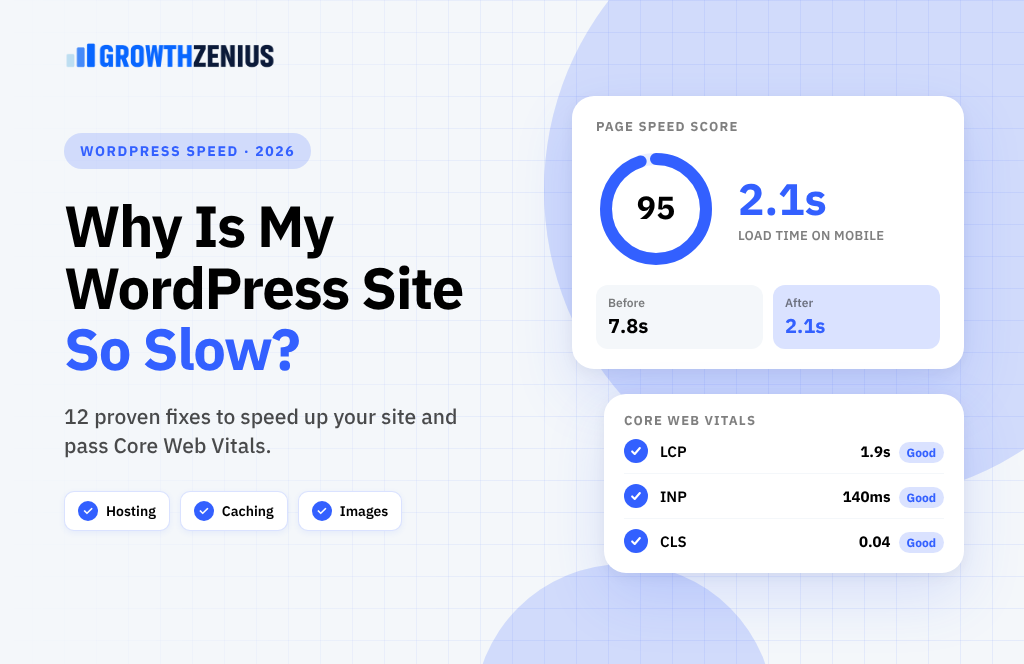
Google measures page experience with three Core Web Vitals. The 2026 targets are:
| Metric | Measures | Good score |
|---|---|---|
| LCP (Largest Contentful Paint) | How fast the main content loads | Under 2.5 seconds |
| INP (Interaction to Next Paint) | How fast the page responds to taps and clicks | Under 200 milliseconds |
| CLS (Cumulative Layout Shift) | How much the layout jumps while loading | Under 0.1 |
WordPress sites often struggle here. Only about 45% of WordPress sites on mobile reach “good” Core Web Vitals, according to HTTP Archive’s 2025 Web Almanac (Web60 summary).
Quick wins:
- Use good hosting with page caching and a CDN.
- Compress images and serve them as WebP or AVIF.
- Remove plugins you do not use. Each one can add scripts that slow the page.
- Limit third-party scripts like chat widgets and tracking tags.
Check your scores in Google Search Console under Core Web Vitals, and in PageSpeed Insights.
Step 7: Earn Local Links and Publish Local Content
Links from other local websites tell Google your business is real and known in the community. That builds prominence. You do not need hundreds. A handful of relevant local links can make a clear difference.
Easy local link ideas:
- Sponsor a local sports team, charity run or school event.
- Join your chamber of commerce or local business association.
- Partner with businesses that serve the same customers (a wedding photographer and a florist, for example) and link to each other.
- Offer an expert quote or tip to a local news site or blog.
- Host or speak at a community workshop.
Local content ideas for your blog:
- Answers to the questions your customers ask most.
- Case studies of jobs in specific neighborhoods.
- Seasonal guides tied to your area (for example, “Preparing your Austin home for summer storms”).
- Local cost guides, such as “How much does a new roof cost in [city]?”
Content like this attracts local searches, earns links naturally and gives Google more proof of where you work.
Step 8: Get Found in AI Search, Not Just Google
People now ask ChatGPT, Gemini and Google’s AI Overviews for local recommendations. BrightLocal’s 2026 survey found AI search engines are now the third most-used tool for finding local recommendations, behind Google and Facebook. Whitespark’s 2026 report added AI search visibility as a new ranking area for the first time.
AI tools build their picture of a business from many sources at once. The good news: the same work you have already done in Steps 1 to 7 is what they rely on.
To improve your chances of being recommended:
- Keep your NAP, services and categories identical across every platform.
- Earn reviews on several sites, not just Google. BrightLocal found consumers use an average of six review sites.
- Write clear service pages that answer questions directly in the first sentence or two.
- Add FAQ sections and schema so your details are easy for machines to read.
- Get mentioned on local news sites, industry lists and “best of [city]” articles.
A simple test: ask ChatGPT or Gemini “Who is the best [your service] in [your city]?” See whether you or your competitors appear.
Step 9: Track What Is Working
Local rankings change depending on where the searcher is standing. Checking your rank from your own office tells you very little. Track these instead:
| What to track | Where to find it | How often |
|---|---|---|
| Calls, direction requests, website clicks | Google Business Profile Performance | Monthly |
| Rankings across your service area | A grid rank tracker (e.g. Whitespark, BrightLocal, Local Falcon) | Monthly |
| Organic clicks and search terms | Google Search Console | Monthly |
| Leads and form fills from organic and Maps | Google Analytics 4 with UTM tags on your GBP link | Monthly |
| Review count, rating and reply rate | Your GBP dashboard | Weekly |
Add a UTM tag to the website link in your Google profile (for example ?utm_source=google&utm_medium=organic&utm_campaign=gbp). This lets you separate Maps traffic from other Google traffic in your analytics.
The number that matters most is leads, not rankings. If calls and enquiries are going up, the strategy is working.
7 Common Local SEO Mistakes to Avoid
- Stuffing keywords into your business name on Google. It risks suspension.
- Using a virtual office or PO box as your address. Google may remove the listing.
- Creating duplicate profiles for the same location.
- Different phone numbers or addresses across directories and your website.
- Ignoring reviews, especially negative ones.
- Copy-paste location pages that only swap the city name.
- Setting it and forgetting it. A profile with no new photos, posts or reviews looks inactive to customers and to Google.
Frequently Asked Questions
How long does local SEO take to work?
Small fixes, like correcting your Google profile category, can show results within weeks. Building reviews, citations and links usually takes three to six months to show steady gains. It depends on how competitive your area and industry are.
Can I do local SEO myself?
Yes. Steps 1 to 3 need no technical skills. Schema, site speed and location pages are easier with help from a developer or agency.
Do I need a website for local SEO?
You can appear in Maps with only a Google profile. But a website makes you more relevant and more credible, and it helps you rank in organic results too.
I don’t have a storefront. Can I still rank?
Yes. Set up a service-area business profile, hide your home address, and list the areas you serve.
Does posting on Google Business Profile help rankings?
Posts mainly help customers choose you. They keep your profile looking active, which supports clicks and calls.
Can I pay Google to rank higher in Maps?
No. Google states there is no way to pay for a better local ranking. You can buy Local Services Ads or Google Ads, but those are separate paid placements.
Your Local SEO Checklist
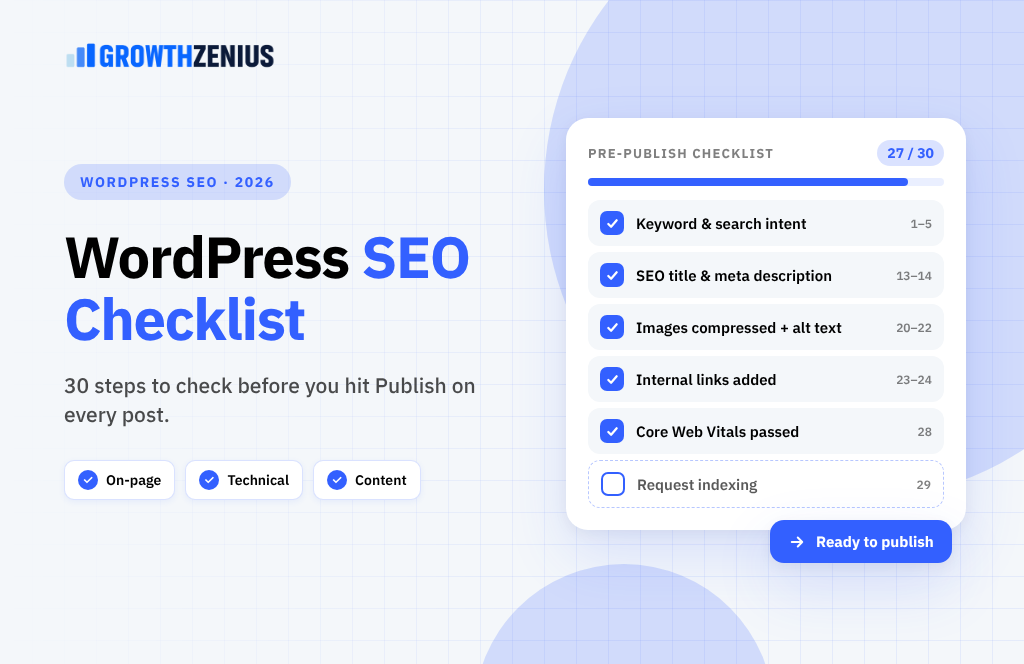
- ✅ Claim, verify and fully complete your Google Business Profile
- ✅ Make your name, address and phone identical everywhere
- ✅ Set up a simple system to ask every customer for a review
- ✅ Reply to every review
- ✅ Create a page for each main service
- ✅ Add LocalBusiness schema and test it
- ✅ Pass Core Web Vitals on mobile
- ✅ Earn a few local links each quarter
- ✅ Track calls, clicks and leads every month
Local SEO is not a one-time job, but it is one of the best returns a small business can get from marketing. Start with your Google Business Profile this week. Then work through the other steps one at a time.
Want help? Growth Zenius builds fast WordPress websites and runs local SEO for small businesses. Book a free local SEO audit and we’ll show you exactly where you’re losing customers to competitors.